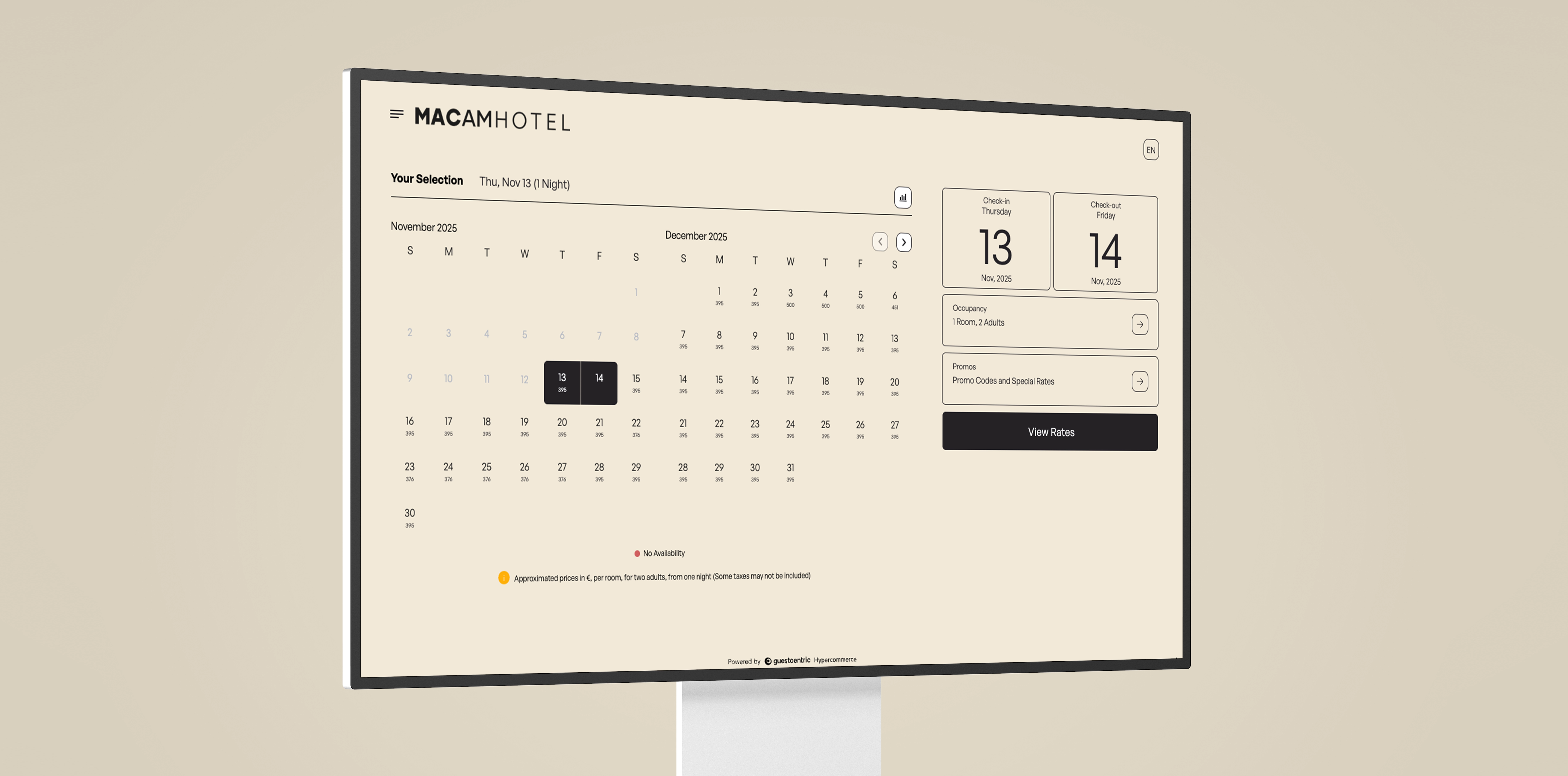
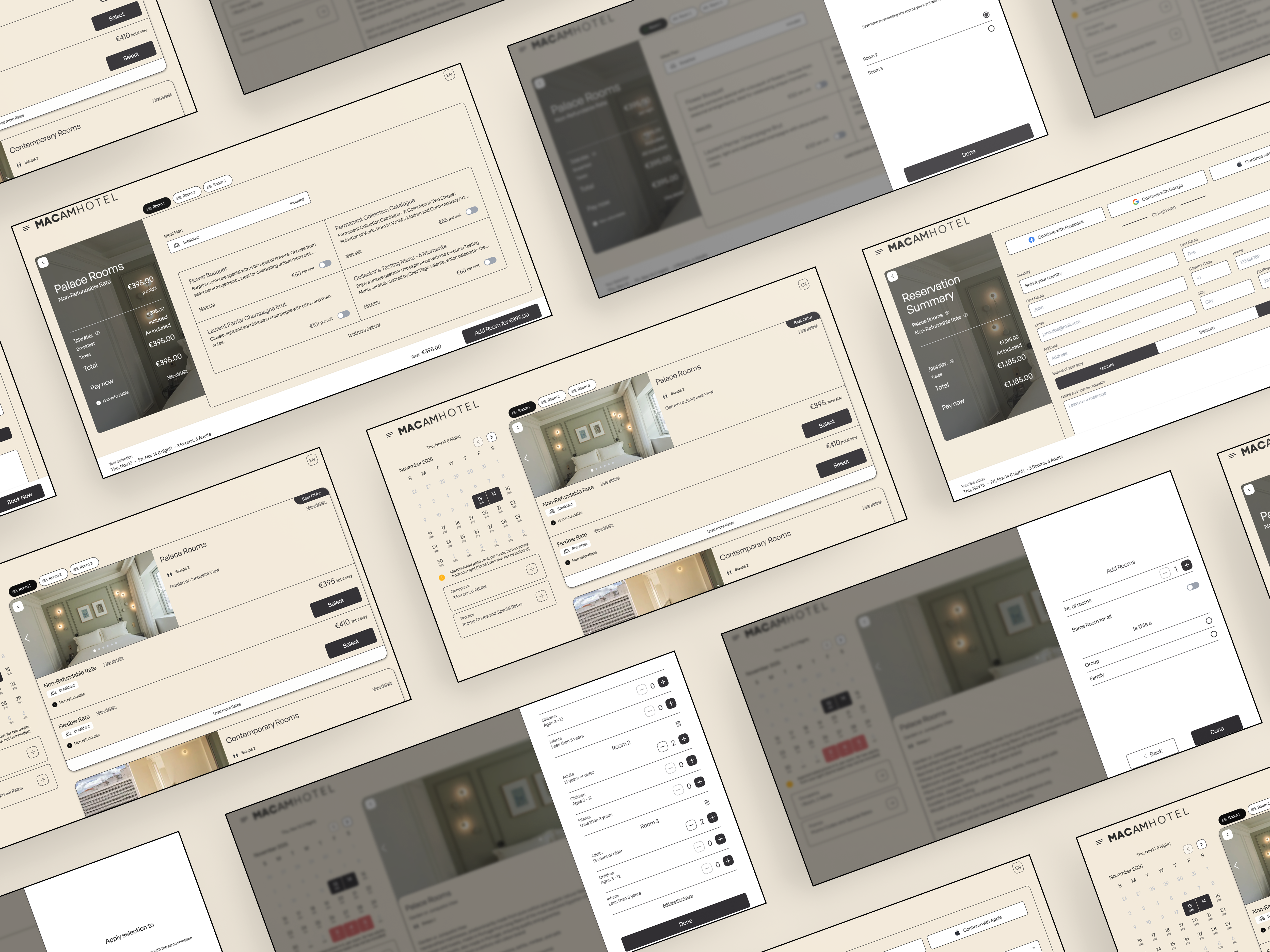
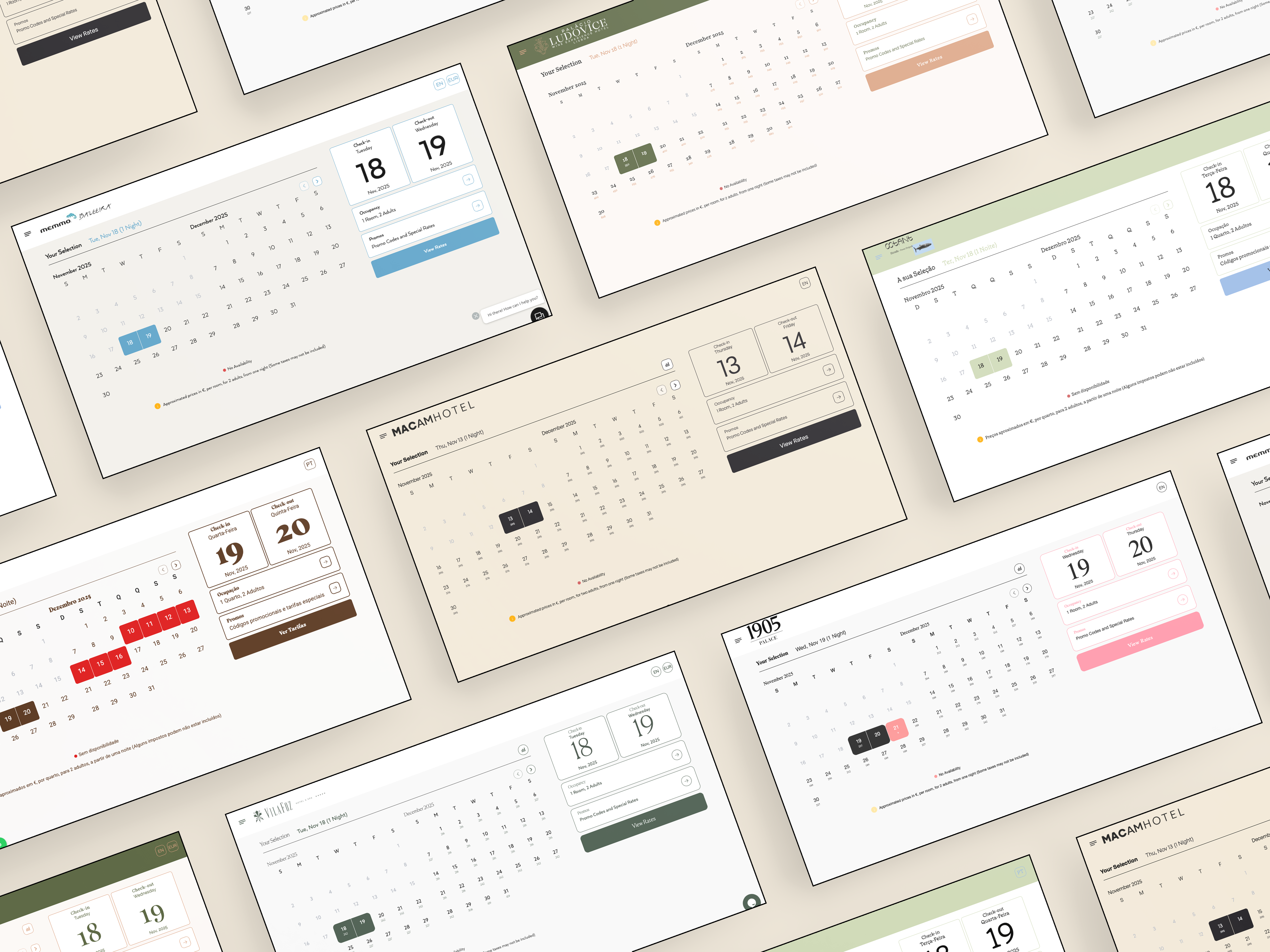
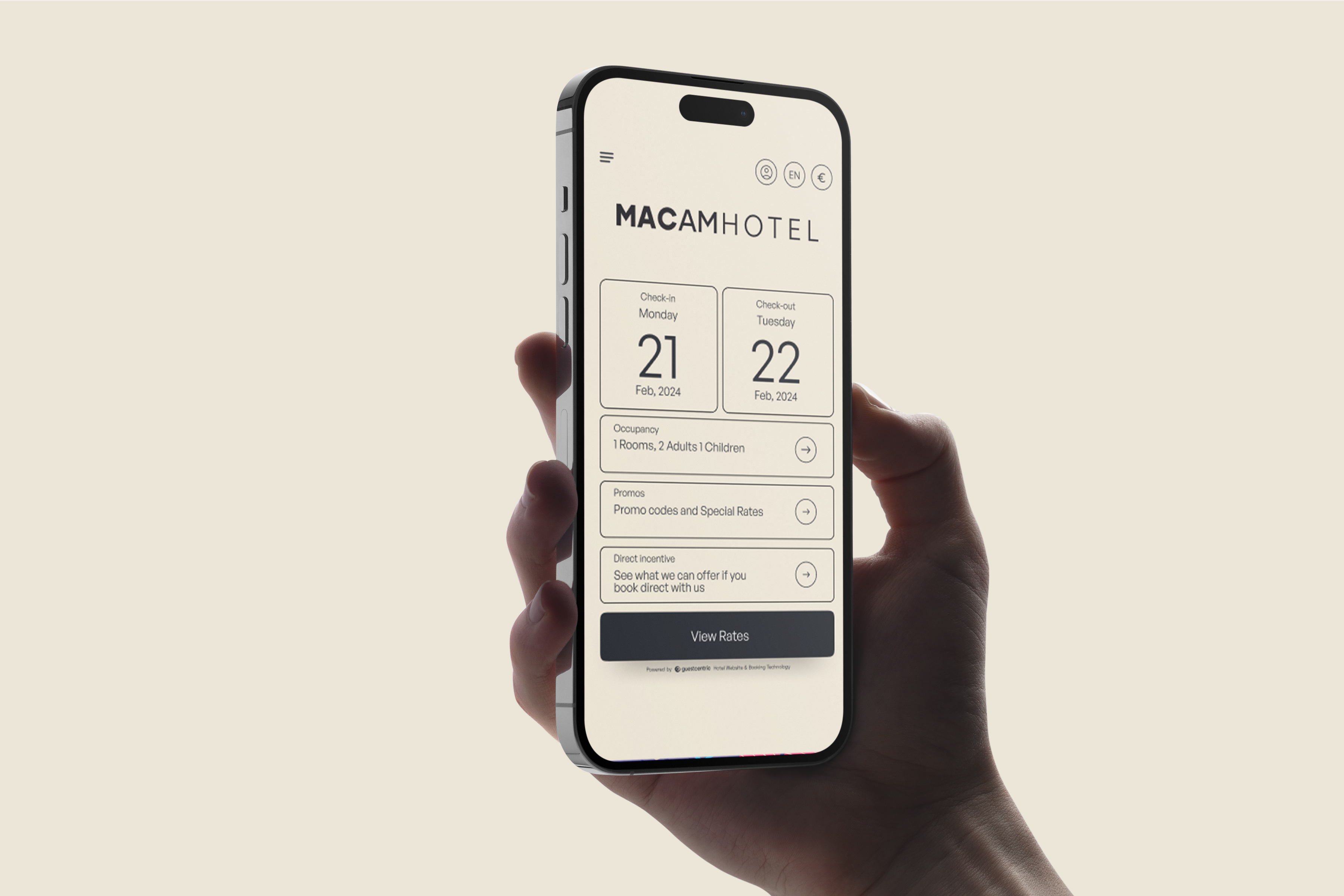
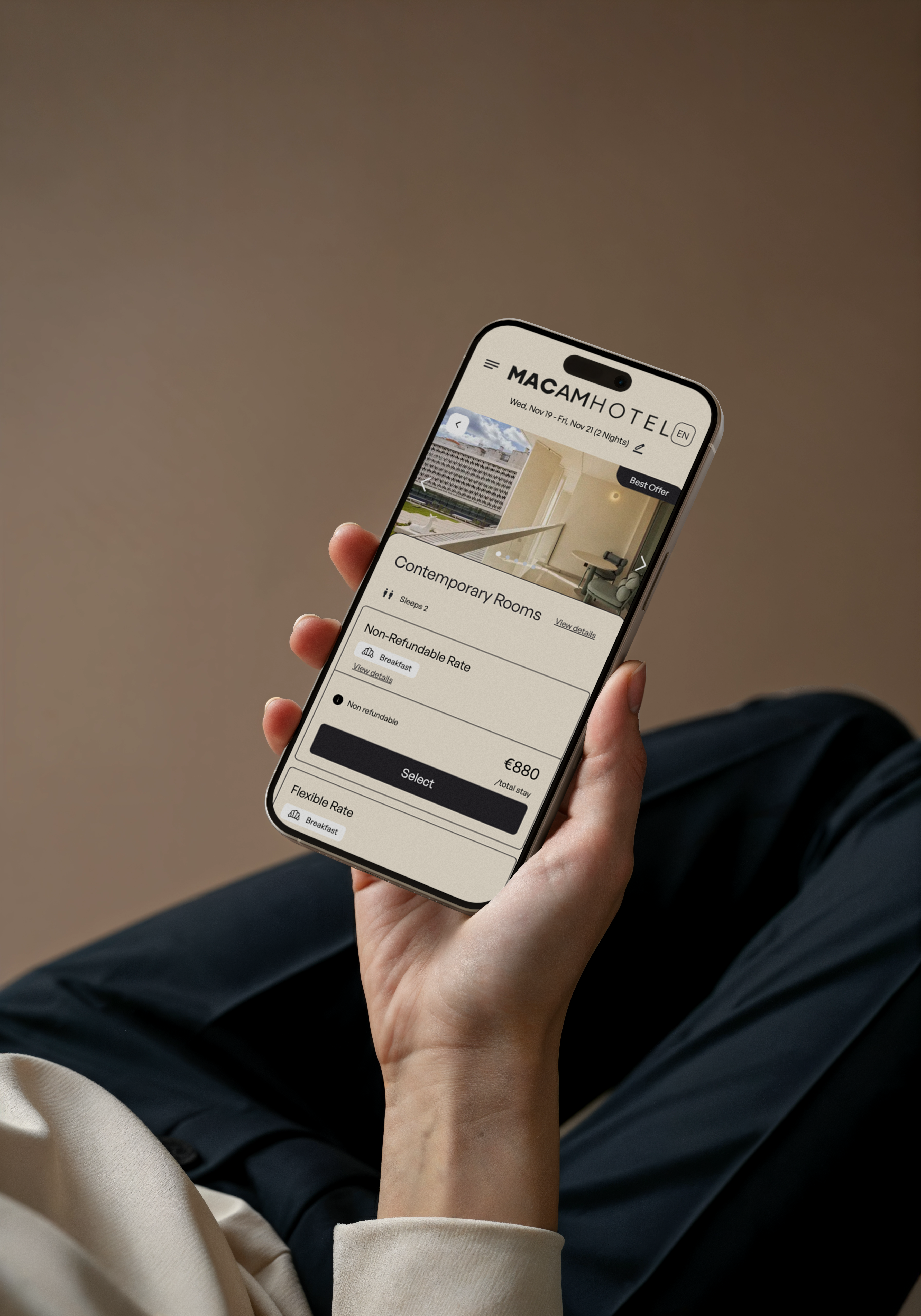
This project involved the full implementation of GuestCentric’s Internet Booking Engine (IBE), an online booking solution designed to maximize direct bookings through a mobile-first, intuitive, and conversion-oriented experience. The work included technical configuration, PMS integration, visual customization, operational management, and optimization of the booking flow.
The goal of this project was to analyze, configure, and optimize the booking experience of GuestCentric’s Internet Booking Engine (IBE), ensuring that users encountered a simple, clear, and conversion-oriented process. The work involved strategic UX decisions, UI customization, workflow simplification, and adaptation for a mobile-first approach.
1. Understanding the User and Objectives
Before beginning the setup, the following were analyzed:
Typical behaviors of online guests (book on mobile, with little patience
for long forms).
Browsing expectations (book on mobile, with little patience for long
forms).
Typical behaviors of online guests (speed, clarity, immediate pricing, dates
that are easy to change).
Common friction points in booking engines:
too many steps
excessive information
confusing filters
lack of visual feedback.
Based on this analysis, the central objective was defined as:
➡️ Reduce cognitive effort and increase the fluidity of the booking process.
2. User Flow Design
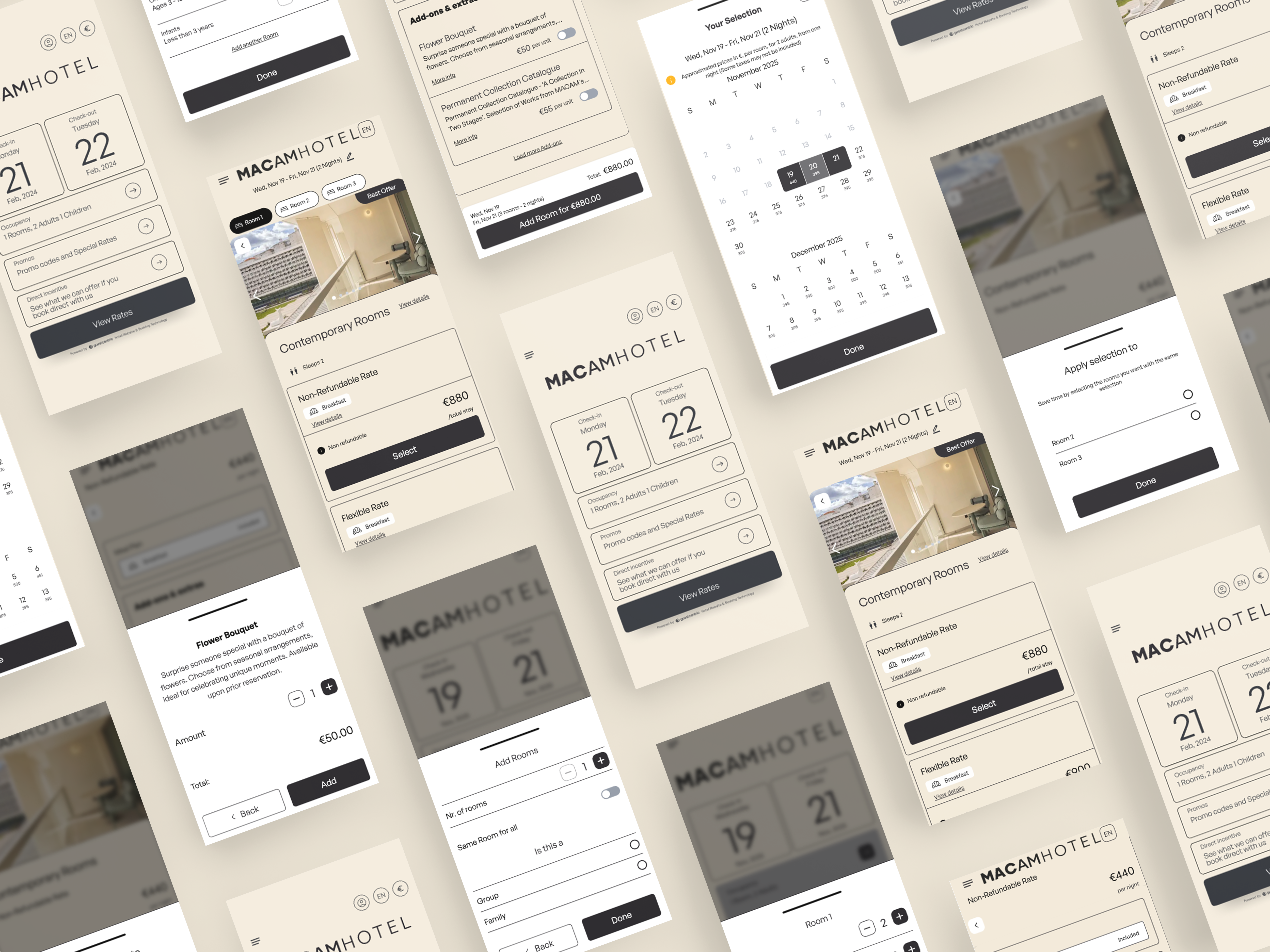
The IBE’s native flow was analyzed and the user’s mental journey was redesigned:
1. Select dates
2. Choose number of guests
3. View available rooms and rates
4. View clear pricing details
5. Add extras
6. Fill in personal information
7. Finalize booking
The focus was on minimizing distractions and ensuring that each step had:
only essential information,
a consistent visual hierarchy,
clear and always visible CTAs,
predictable navigation.
3. Choosing the Most Appropriate Layout (UI)
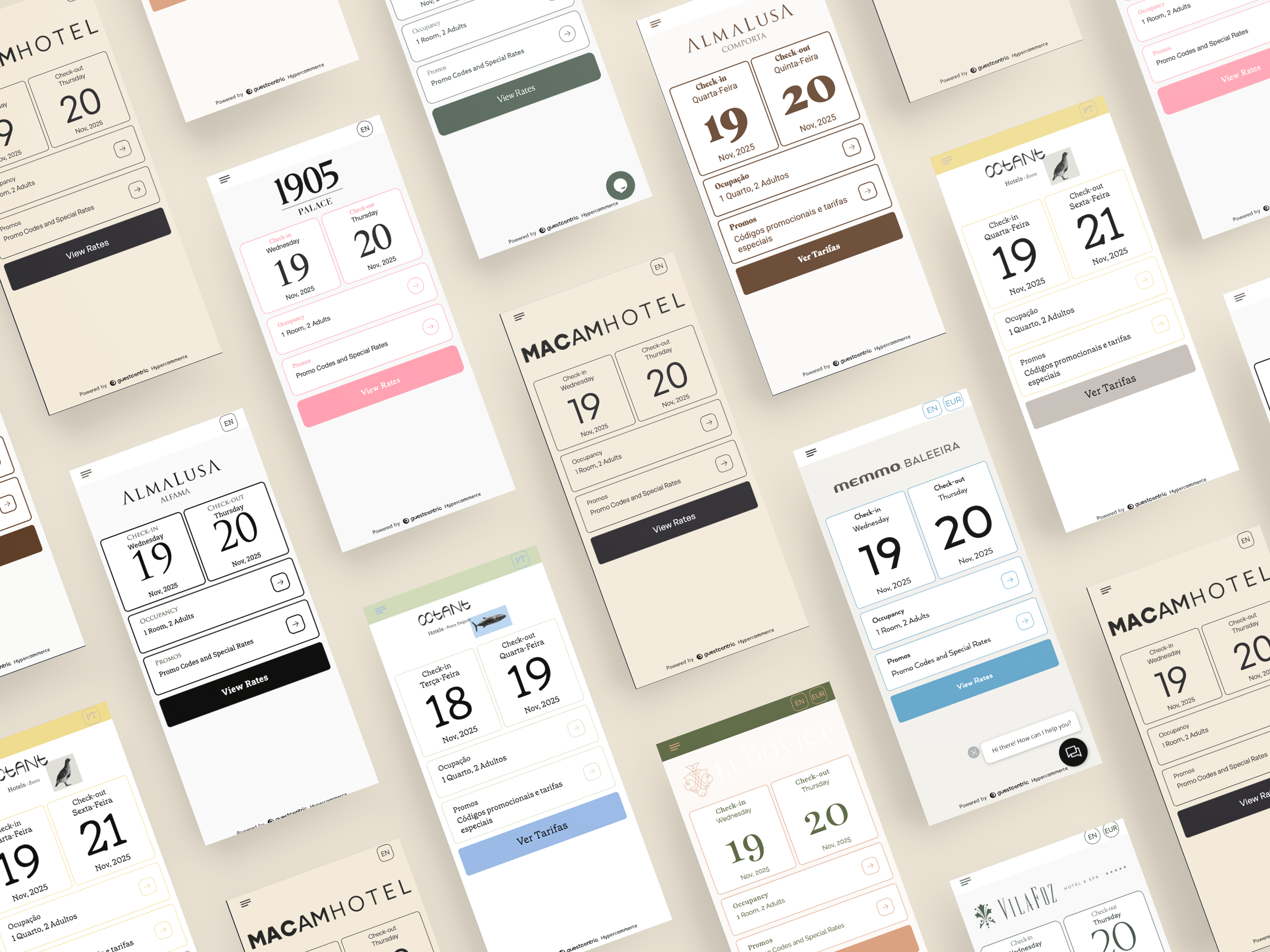
GuestCentric offers three layouts (Horizontal, Vertical, and Link).
The decision was guided by UX:
Horizontal Layout Ideal for homepages with strong visual impact, where the widget takes up
little space and encourages quick browsing.
Vertical Layout Best suited for pages dedicated to bookings or campaigns, where there is
a need for space for additional information.
Link Layout (pop-up/modal) Effective for keeping the user focused on a single goal,
reducing distractions from the rest of the page.
Based on the hotel’s positioning and expected user behavior, the chosen layout was the one
that provided the least friction and the fastest initial interaction.
4. Visual Customization (UI Design)
To maintain consistency with the hotel’s visual identity, the following were adjusted:
a theme (“skin”) more aligned with the branding,
contrast and readability,
spacing to avoid visual overload,
strategic positioning of elements such as CTAs (“Book,” “Continue”),
iconography to improve scannability (e.g., calendar, bed, and guest icons).
Objective: ➡️ Create an interface that conveys trust, modernity, and simplicity.
5. Optimization of Filters and Search (UX)
IBE settings were used strategically to improve the browsing experience:
UX choices implemented:
Flexible Mode enabled Allows users to view options even if they do not fully match
the initial request — reduces abandonment.
Search Next enabled When there is no availability, the system automatically suggests
→ avoids frustration.
Prices displayed as total cost of stay Avoids mental calculations.
Highlighting relevant promotions and offers Designed based on heuristics of
visibility and clarity.